Meta Pixel and DPDP: What Indian Websites Need to Know
Your banner says "choose". Your Pixel may have already fired.
4 minutes read

Indian businesses use Meta Pixel to:
- measure ad conversions
- understand campaign performance
- build audiences
- optimise ads
- retarget website visitors
Because the Pixel sits so close to advertising and user behaviour, it deserves a careful look before DPDP takes effect.
The common question:
Does Meta Pixel need consent under DPDP?
The Act doesn't mention Meta Pixel by name.
What matters is what personal data is processed, for what purpose, and which DPDP basis applies.
What is Meta Pixel?
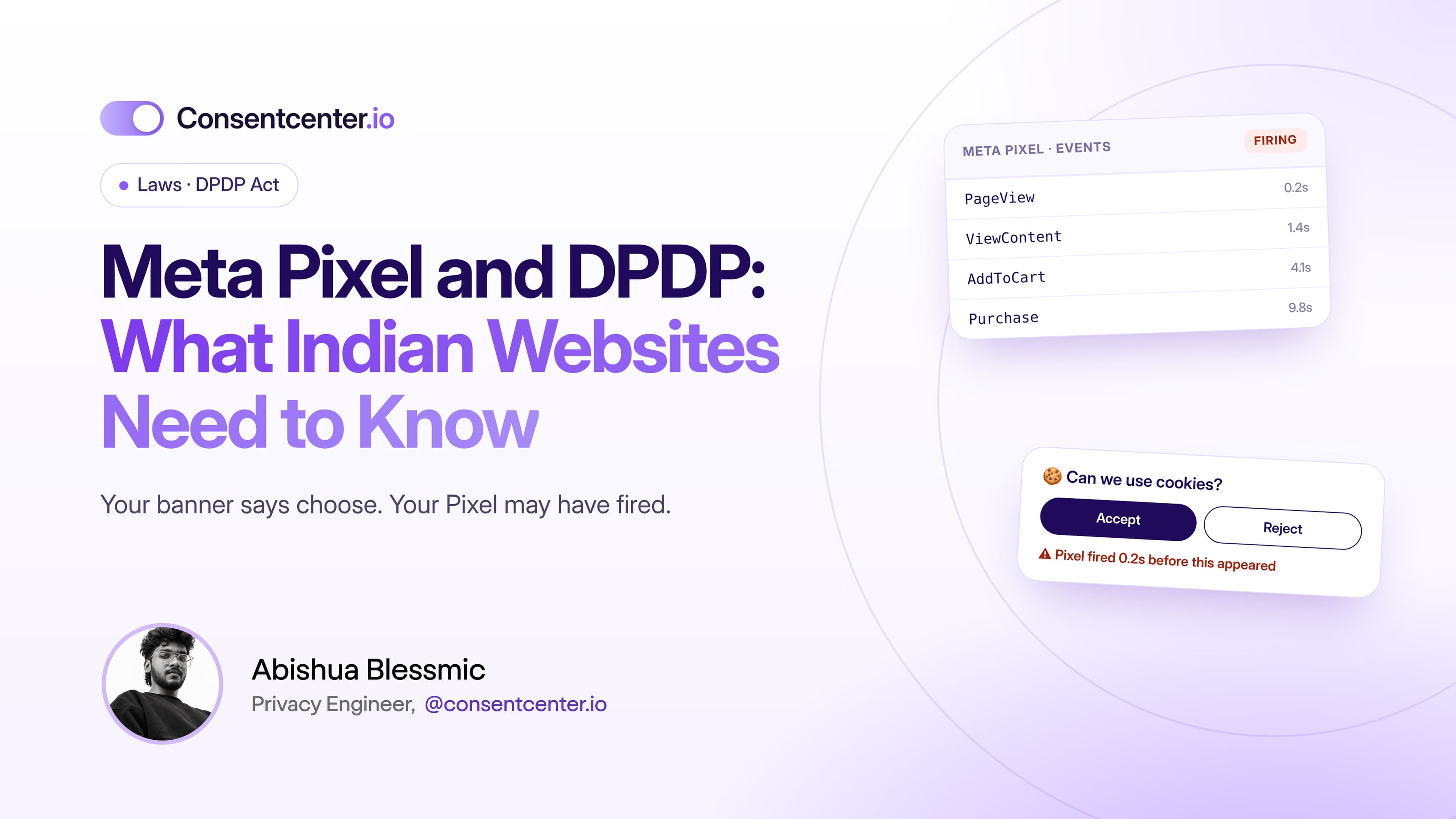
It's code that sends information about visitor actions on your website to Meta.
Businesses set up events such as PageView, ViewContent, AddToCart, InitiateCheckout, Purchase, Lead and CompleteRegistration, plus custom events.
That data shows how people behave on your site after seeing or clicking an ad.
Why it's worth reviewing
The issue isn't just that a cookie exists.
It's the processing behind it.
Ad technologies can involve identifiers, event data, device information and more. Don't assume the ad platform alone is responsible for compliance. Understand the full data flow yourself.
Five steps to review Meta Pixel
Step 1: Find out if it's installed
Sounds obvious. Many companies don't actually know.
The Pixel may have been added by your marketing team, an agency, an old campaign, Tag Manager, an ecommerce plugin or someone who left two years ago.
The campaign ended. The Pixel kept running.
Audit first.
Step 2: Check which events you send
A basic PageView and a full ecommerce setup are very different. Review standard and custom events, custom parameters, ecommerce data, URLs, form interactions and integrations.
Make sure nothing sensitive or unnecessary is slipping through.
Step 3: Define the purpose
Why do you use the Pixel? Be specific:
- "Measuring how well our paid social ads perform."
- "Building audiences for future ad campaigns."
"Marketing purposes" is too vague to guide users or your own team.
Step 4: Decide the DPDP basis
DPDP has no special category called "advertising cookies".
Assess the processing under the Act. Where consent is the basis, Section 6 applies: free, specific, informed, unconditional and unambiguous, given through a clear affirmative action.
Step 5: Test when the Pixel fires
This is the test that matters most.
Open your website in a fresh browser. Before touching the banner, check:
Has Meta Pixel already run?
If it relies on consent, a banner that appears after the Pixel has fired isn't doing its job.
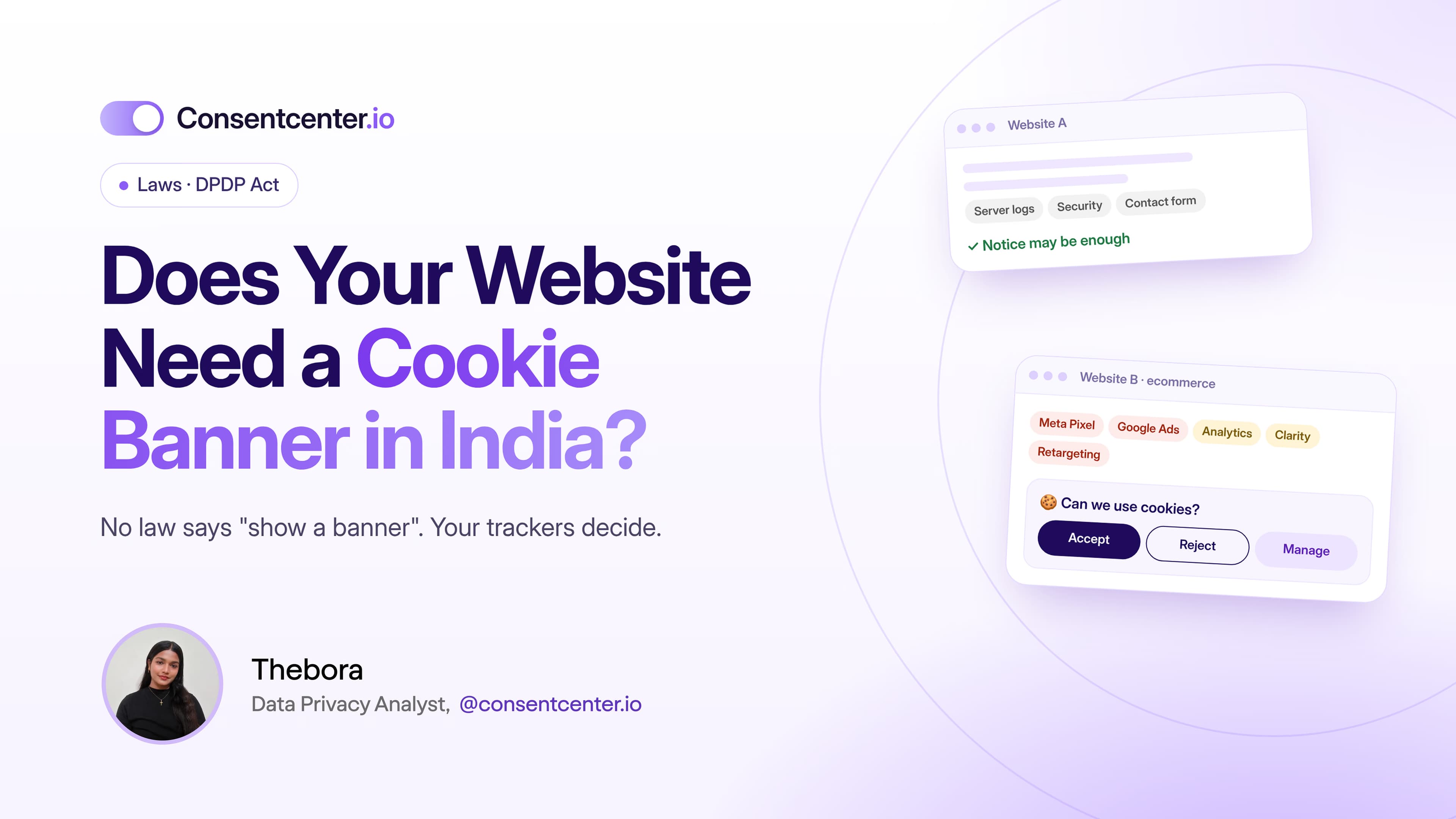
"But we have a cookie banner"
A banner doesn't mean your tags are controlled.
Website A
Banner appears. Pixel has already fired. Visitor clicks "Reject". Too late.
Website B
Banner appears. Pixel waits. Visitor chooses. The site follows that choice.
Both have banners.
Only the technical behaviour tells you what's really happening.
Check Google Tag Manager
If your Pixel runs through Tag Manager, review:
- trigger settings
- consent conditions
- custom HTML tags
- duplicate Pixels
- staging vs production containers
- agency access
- publishing permissions
Marketing governance is privacy governance.
Don't forget the Conversions API
Server-side tracking counts too.
Removing a browser cookie doesn't mean the data flow has stopped. If you use Meta's Conversions API or other server-side events, include them in your audit.
Check both routes:
- browser → third party
- server → third party
What to tell visitors
Explain the purpose in plain language. For example:
Advertising measurement: We use advertising technology to see whether our campaigns lead to visits or actions on our website and, where applicable, to support audience-based advertising.
Adapt it to what you actually do. Don't copy it word for word.
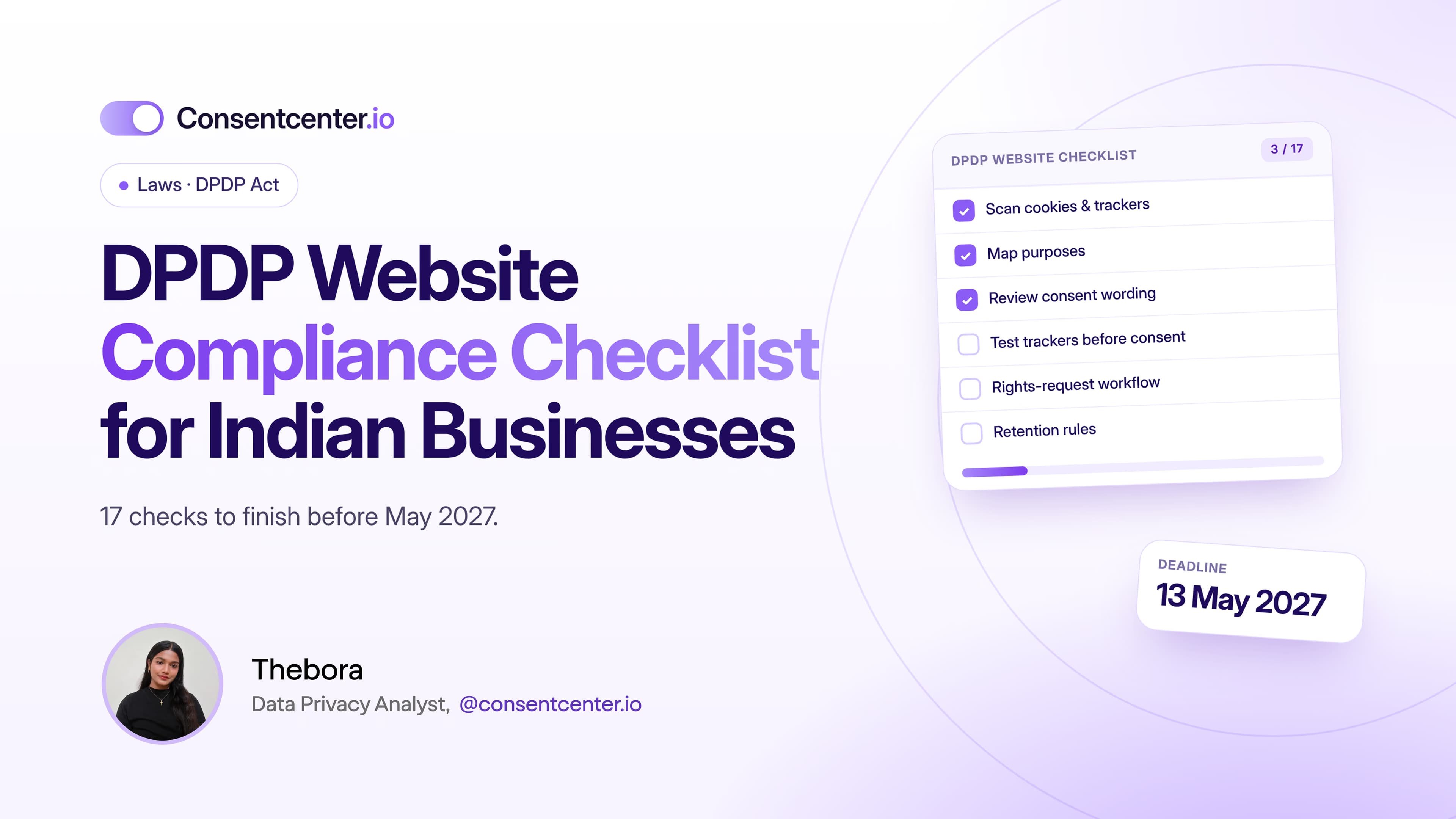
Your Meta Pixel checklist
- Confirm whether Meta Pixel is installed
- Find every Pixel ID
- Review standard and custom events
- Review data sent with each event
- Document the purpose
- Decide the DPDP basis
- Test whether the Pixel fires before choice
- Review your Tag Manager setup
- Review Conversions API
- Update your notices
- Offer withdrawal controls where needed
- Re-test after every marketing change
How ConsentCenter helps
ConsentCenter makes the hardest steps simple:
- Scanning finds Meta Pixel and other ad trackers on your site
- Real-time blocking keeps the Pixel from firing until visitors choose, where consent applies
- A preference center lets visitors withdraw consent at any time
- Consent records log every choice with a timestamp
Is Meta Pixel firing before your visitors choose?
Find out in minutes. ConsentCenter scans your website for Meta Pixel and every other third-party tracker.
Run a Free Website Privacy Audit