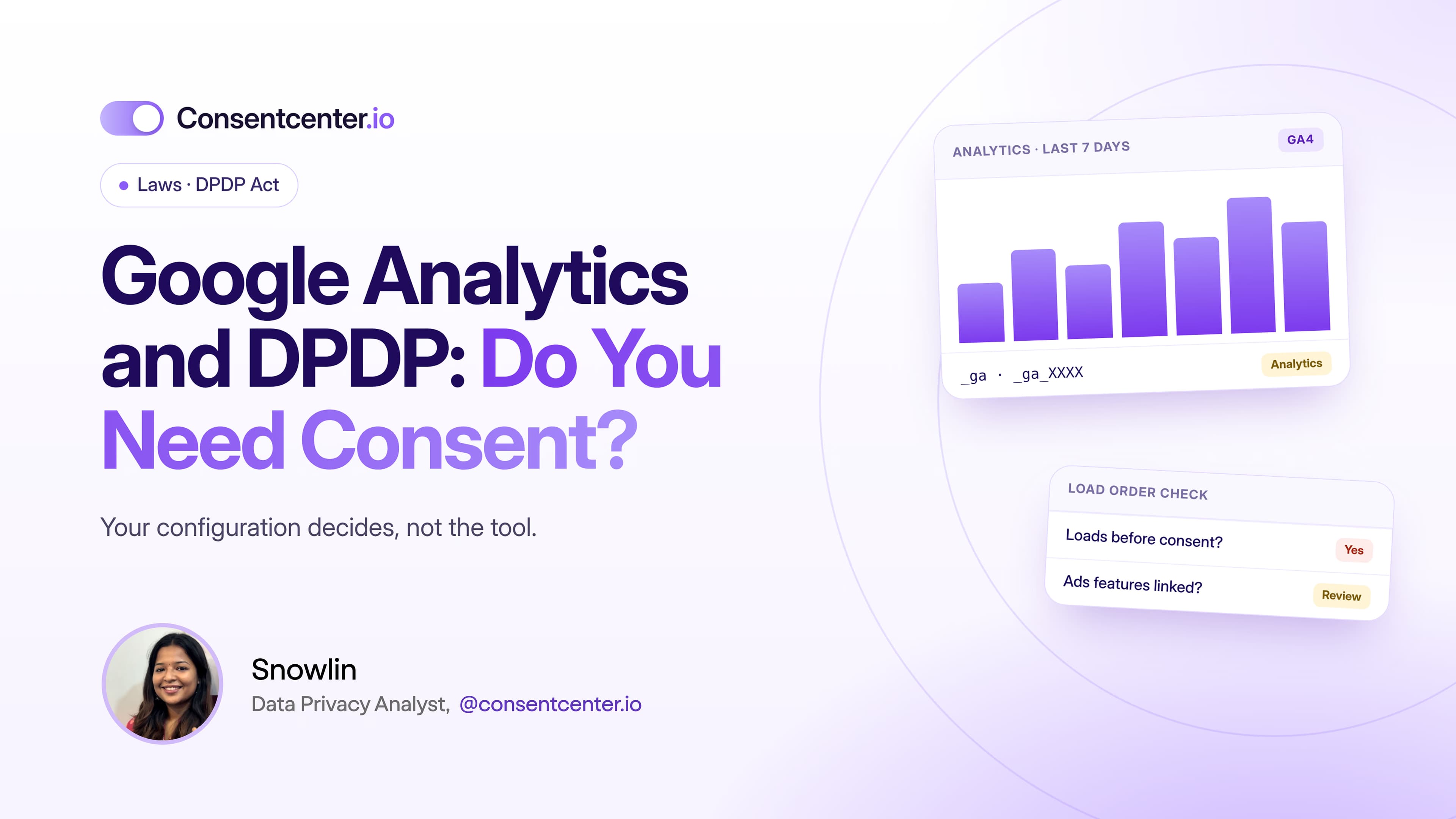
Google Analytics and DPDP: Do Indian Websites Need Consent?
"We use GA4, so we're compliant" isn't an answer. Your configuration is.
4 minutes read

Google Analytics runs on millions of websites.
So Indian businesses preparing for the DPDP Act keep asking the same question:
Do we need consent before using Google Analytics?
The DPDP Act has no line that says "Google Analytics requires consent."
The real answer depends on four things:
- what personal data is processed
- how your Google Analytics is configured
- why you're processing it
- which basis under the DPDP Act applies
Here's what to actually check.
Why Google Analytics matters under DPDP
Analytics tools exist to tell visitors apart and measure what they do. Depending on your setup, that can involve:
- online identifiers
- device and browser information
- approximate location
- page views and events
- traffic sources
- session information
Whether any of this counts as personal data depends on whether it relates to an identifiable individual.
GA4 isn't automatically "DPDP compliant"
You'll hear this a lot:
"We use GA4, so we're compliant."
That's too simple.
A tool doesn't make you compliant just because it has privacy settings. What matters is how you use it.
Company A uses basic, aggregated analytics.
Company B combines analytics with ad features, campaign attribution, user IDs and five other marketing tools.
Same tool. Very different assessment.
Questions your team should answer
Before deciding how Google Analytics fits your consent setup, answer these:
- What are we actually collecting? Look at the real implementation, not the documentation.
- Which GA4 features are switched on? Your configuration matters.
- Are advertising features enabled? These go beyond basic measurement.
- Do we use User-ID or other identifiers? Know how users and sessions are told apart.
- Do we send custom parameters? Developers can accidentally send personal data through event names, URLs or custom properties.
- Is GA linked to Google Ads? That changes how the data can be used.
- When does GA load? On page load, or only after the visitor chooses?
What DPDP consent requires
If you decide your analytics relies on consent, that consent must meet Section 6 of the Act: free, specific, informed, unconditional, unambiguous and given through a clear affirmative action.
A line buried deep in your privacy policy is not the same as getting consent.
What should the notice say?
Most visitors have no idea what _ga means. So explain the purpose, not the cookie name:
Analytics: We use analytics to understand how visitors use our website and to improve how it works.
Make sure the wording matches what your setup actually does. Your detailed cookie policy can carry the technical detail.
Should analytics load before consent?
If your analytics depends on consent, this is the question that matters most.
Here's a very common setup:
Page opens → Tag Manager loads → GA4 runs → data is processed → banner appears → visitor clicks "Reject"
That "Reject" can't undo what already happened.
So test what your website does before anyone touches the banner.
The Google Tag Manager problem
Most companies don't install GA4 directly. They install Google Tag Manager.
Then anyone with access can add GA4, Google Ads, Meta Pixel, LinkedIn Insight Tag, conversion tracking and more.
Convenient for marketing. A headache for governance.
Your privacy policy says one thing. Your tag setup changes every week.
Decide who is allowed to publish new tags.
Five practical steps
- 1Audit the implementation. Find every analytics tag and setting.
- 2Understand the data. Don't rely on tool names alone.
- 3Document the purpose. Why do you need this analytics?
- 4Decide the DPDP basis. Is consent right, or does another provision apply?
- 5Make the tech follow the choice. Where consent is needed, analytics must wait for it.
Don't look at Google Analytics alone
Your GA setup might be perfect while the same website also runs Meta Pixel, LinkedIn tracking, Hotjar, marketing automation and third-party widgets.
What matters is the full picture of data leaving your website.
How ConsentCenter helps
ConsentCenter helps you see and control that full picture:
- Scanning finds Google Analytics, Tag Manager and every other tracker on your site
- Purpose-based categories put analytics where it belongs in your banner
- Real-time blocking holds analytics until visitors choose, where consent applies
- Consent records log every choice with a timestamp
Check what your website actually sends
You don't need to inspect hundreds of scripts by hand. Run a ConsentCenter scan and see every analytics and tracking tool on your site.
Get a Free Website Audit